Free during the beta. Atlascope is in development: join now and use all nine tools at no cost.Request access

Mirage · scientific illustrations

Find the illustration for a figure

Two hundred scientific illustrations, searchable, downloaded at the size your figure needs.

Request access Open Mirage

Version 3.6.2, released 5 November 2026. One account for the whole suite; during the beta, access is switched on by hand, usually within a day.
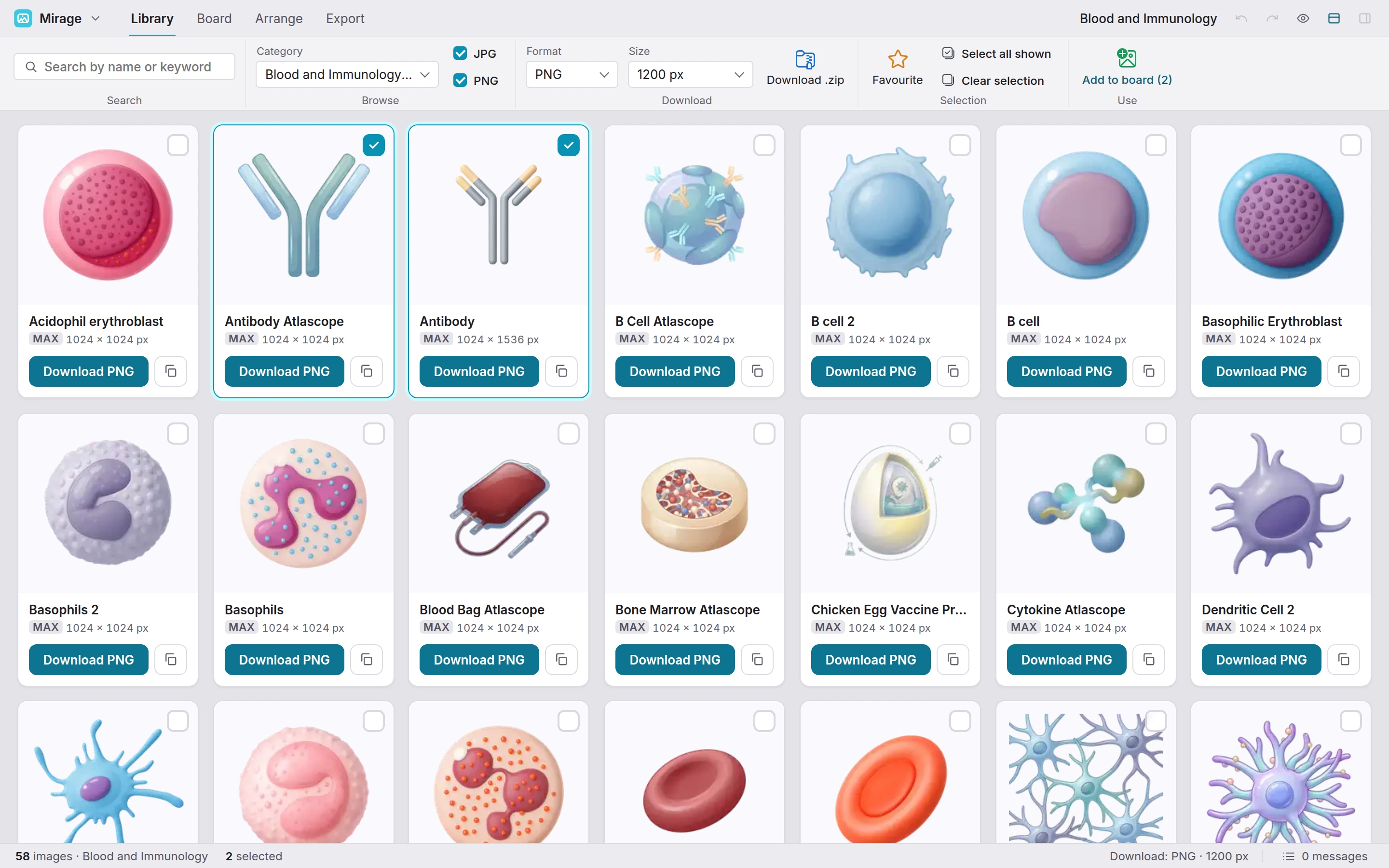
The Mirage library: Library, Board, Arrange and Export as tabs in the menu bar, a ribbon with Search, Browse, Download, Selection and Use, and a grid of Blood and Immunology illustrations, two of them ticked, each with its maximum size and a download button.

Mirage

What it does

Find the drawing, then check what you are about to put in a paper. Library, Board, Arrange and Export are tabs in the menu bar, each with its own ribbon, laid out like Word. Two screens, photographed as the app runs.

The library · the ribbon above, the grid below

Organised the way a lab thinks

Search by name or keyword, in English or French, and download in the format you need.
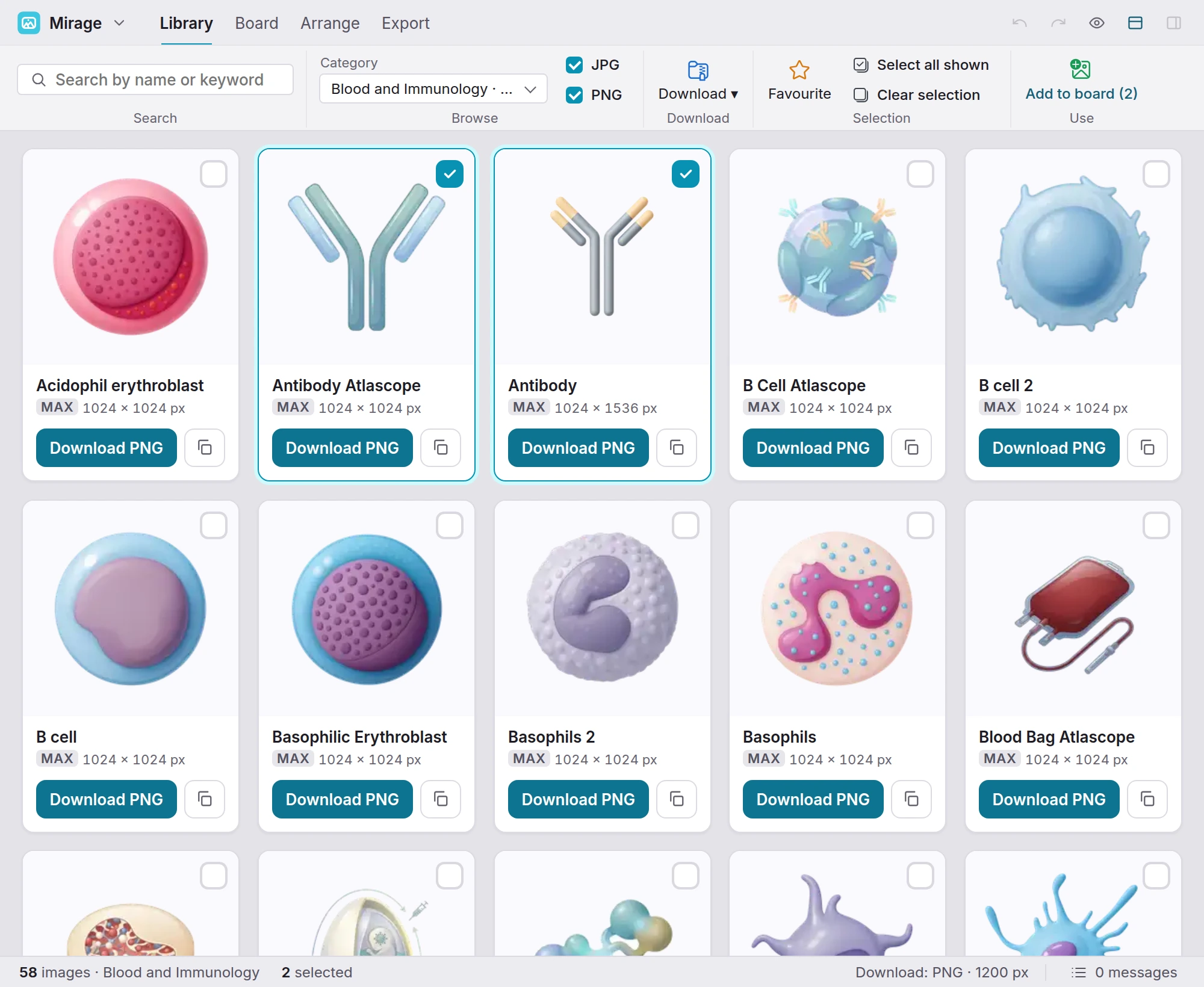
The Library tab: the ribbon with the search field, the Category list set to Blood and Immunology with its count, the JPG and PNG filters, Download, Favourite, the selection and Add to board, and the grid of illustrations below.
The library

Taking it · the file, its size and where it came from

What you are about to put in a paper

Each image says its size, its source and its licence before you use it.
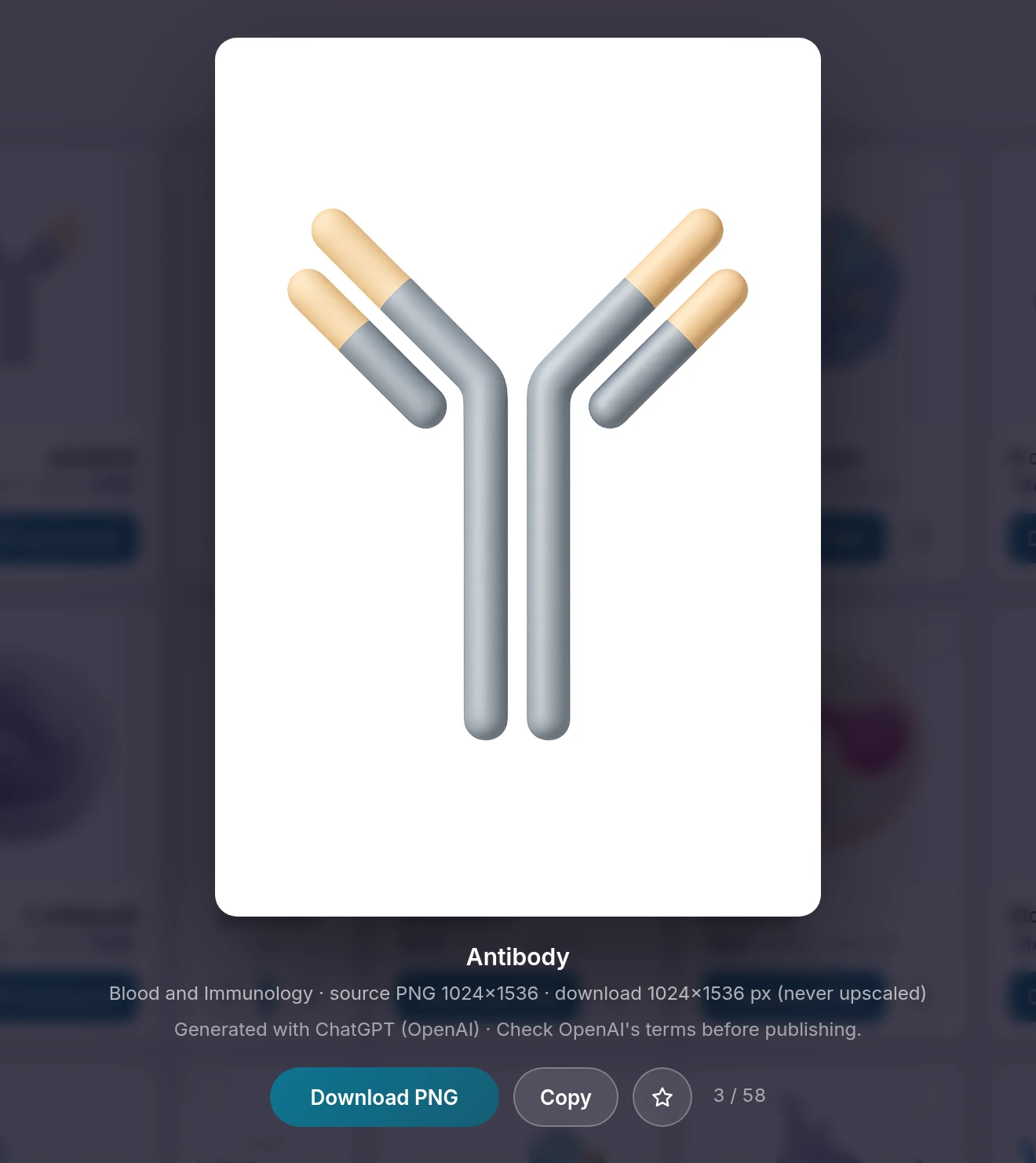
The viewer: one illustration at full size, with its category, its source resolution, the note that it is never upscaled, and the line saying how it was produced.
An image in the viewer

Version 3.6.2

Specifications

What Mirage reads, writes and computes, as of version 3.6.2.

Show all 8 specifications
Library
206 illustrations for immunology and the bench: organs, cells, animal models, apparatus; searched by keyword, with synonyms in English and French.
Output
Each illustration as PNG, JPG, WebP, TIFF or PDF at 600, 1200 or 2400 px or its original size, never enlarged; several at once in a zip; the board as PNG (1x, 2x or 4x), SVG or PDF; .mirage.
Input
.mirage boards. The board takes its illustrations from the library; it does not import your own images.
Board
Shapes, arrows, connectors, titles and panel letters on a page; align, order and group; a text bar for font, size, colour and alignment.
Credits
Provenance and rights of each illustration, shown in the viewer under the image.
Where the data lives
Nothing is uploaded. The board stays in this browser (forty boards kept), saves to your account or to a .mirage file.
Verification
No statistics: nothing to compare with R.
Runs in
A current browser; installs as an app where a .mirage board opens by double click.

What changed

Release notes

Mirage, last 3 releases. The full list, by tool and by version, is on the release notes page of getatlascope.com.

All release notes

Access

Getting in

Mirage is one of the nine tools of Atlascope. One account opens all of them. During the beta, we switch new accounts on by hand, usually within a day.

The drawing, at the size the figure needs.

Organs, cells, animal models and apparatus, searchable, with their provenance written under each one.

One account for Mirage and the whole Atlascope suite. If you already have one, sign in. Forgot your password?

Signed in as

Your Atlascope workspace · Sign out

Atlascope

The other eight tools

Same account, same way of working.

All nine tools on getatlascope.com